
From idea to live product: the Startit methodology explained step by step
Every Startit project goes through six defined phases. No improvisation, no surprises. Here we expla...
Read →Learn how to send invoices online step by step: which fields are required, how to number them, what format to use, and how to follow up until you get paid.
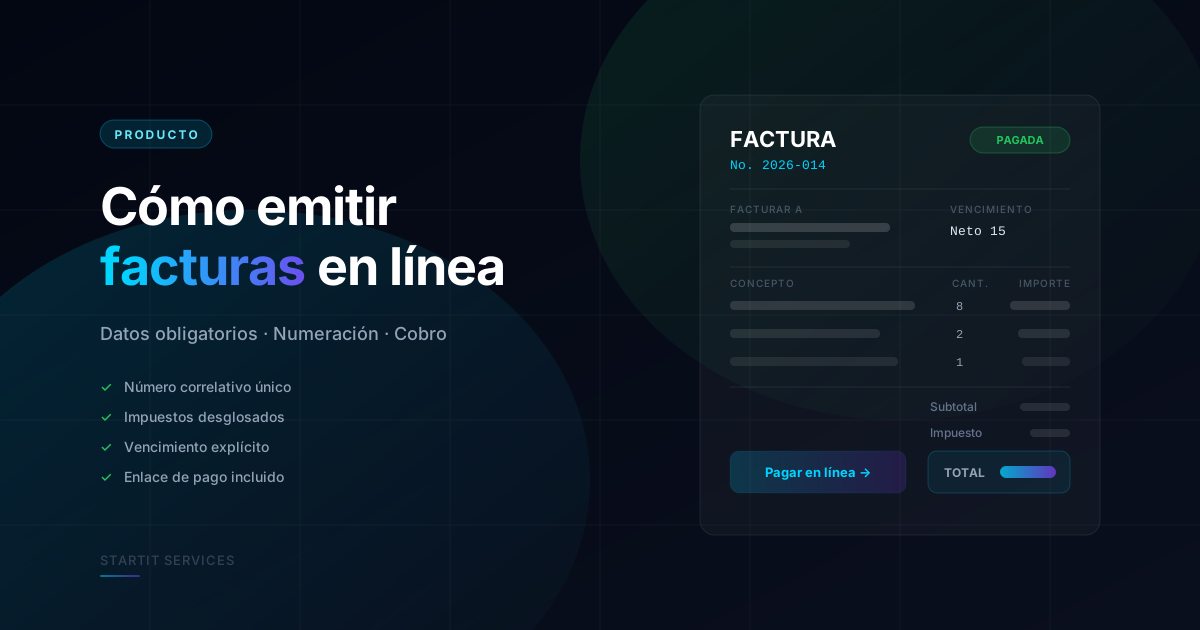
Sending an invoice looks trivial until a client bounces it back because a field is missing, or until your accountant can't reconcile payments because two invoices share the same number. This guide covers the full process, from mandatory fields to chasing the payment.
Exact requirements vary by country and tax regime, but one set of fields shows up in practically every jurisdiction. Include them and your invoice is very unlikely to be rejected:
If you bill clients abroad, state the currency explicitly. "1,500" doesn't mean the same thing to someone invoicing in dollars as to someone receiving in another currency.
Numbering is the most common mistake among freelancers who invoice by hand. The rule is simple: sequential, no gaps, never reuse a number. A scheme that works well is YYYY-NNN (for example 2026-001, 2026-002), resetting the counter each fiscal year.
If you void an invoice, don't delete the number: issue a credit note that references it. Deleting leaves a hole in the sequence, and that hole is exactly what triggers awkward questions during a review.
PDF is still the standard file format: it's immutable, it prints identically everywhere, and accounts payable departments expect it. Always attach it.
The payment link is what actually speeds up collection. An invoice that forces the client to open their bank, copy an account number, and type a reference gets paid days later than one with a payment button.
Email is the channel, and it's worth handling with care: subject line with the invoice number and your name, short body stating the amount and the due date. Skip the bare "attached as agreed."
Most late payment isn't bad faith, it's forgetfulness. A simple reminder schedule solves nearly all of it:
Automating these notices beats sending them by hand, because then the awkward reminder comes from the system rather than from you.
A spreadsheet template works for your first ten invoices. After that the problems start: duplicate numbering, totals that don't add up, no visibility into what's still outstanding, and no history per client.
SIM is Startit's invoicing app for freelancers and small businesses: it creates professional invoices with automatic numbering, emails them with a payment link, and shows you issued, paid, and overdue amounts on a single screen. If you're invoicing from a spreadsheet today, it's the first change your cash flow will notice.
Every Startit project goes through six defined phases. No improvisation, no surprises. Here we expla...
Read →